For rental companies
Rental contracts & availability
For rental companies that need contracts, availability checks, and hold or extend actions in one place.
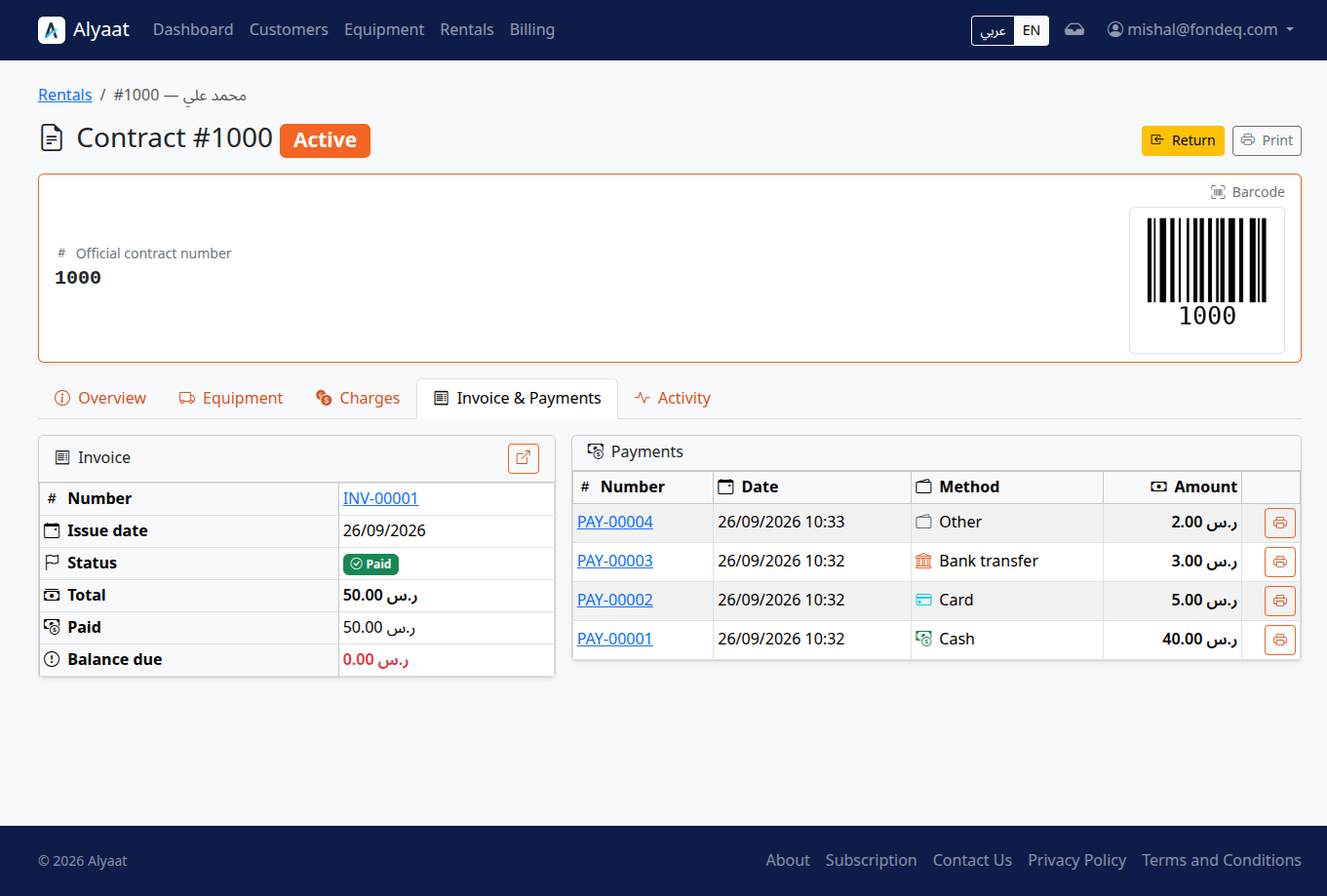
What rental contracts cover in Alyaat
Alyaat contracts let a company rent several units on one contract, move from draft through completed, prevent double booking, and use availability calendars with hold, extend, and return.
How to get started
-
Create a draft contractAdd customer details and the equipment units you want to rent.
-
Check availabilityReview calendars and overlap checks before confirming the rental.
-
Confirm and deliverConfirm the contract, then deliver units and track active or on-hold status.
-
Extend or returnExtend dates when needed, or complete the rental when units return.
What you can do
Multi-unit contracts
Put several equipment units on one contract and manage the rental as a single record.
Lifecycle from draft to completed
Move a contract through create, deliver, hold or resume, extend, and return or cancel.
Double-booking prevention
Overlap checks on confirmed, active, and on-hold periods, plus maintenance blocks, reject conflicting bookings.
Availability calendars
Review unit availability on calendars before confirming or extending a rental.
Related company modules
These modules work together in one company workspace.
FAQ
Common questions
Ready to get started?
Register your company to manage this module in your workspace, or review the plan and trial first.