
Welcome to Alyaat
Equipment rental for companies and customers
Alyaat is an equipment rental platform: companies run fleet, contracts, and billing; customers browse and request rentals on one shared portal.
For companies and equipment owners
Operate your rental business in one workspace
Sign up your company, invite staff with roles, manage equipment and contracts, issue invoices, and receive portal rental requests in one inbox.
For customers
Find equipment and request a rental
Browse published listings from participating companies, filter by type, country, city, and dates, then send a rental request and chat with the company.
For companies
Built for rental company operations
Everything your multi-branch rental business needs in one tenant workspace.
Company isolation & roles
Each company runs in its own secure space. Owner, Admin, Staff, and Accountant roles control module access.
Equipment, assets & maintenance
Track units with system-wide asset numbers, movement history, maintenance, expenses, photos, and marketplace listings.
Rentals, hold & availability
Create multi-unit contracts, prevent double booking, hold or extend rentals, and use availability calendars.
Invoicing & payments
Issue invoices from contracts and record cash, transfer, or card payments with unpaid, partial, and paid status.
Portal inbox & listings
Publish units for rent or sale, receive rental requests, accept or reject them, and chat from one inbox.
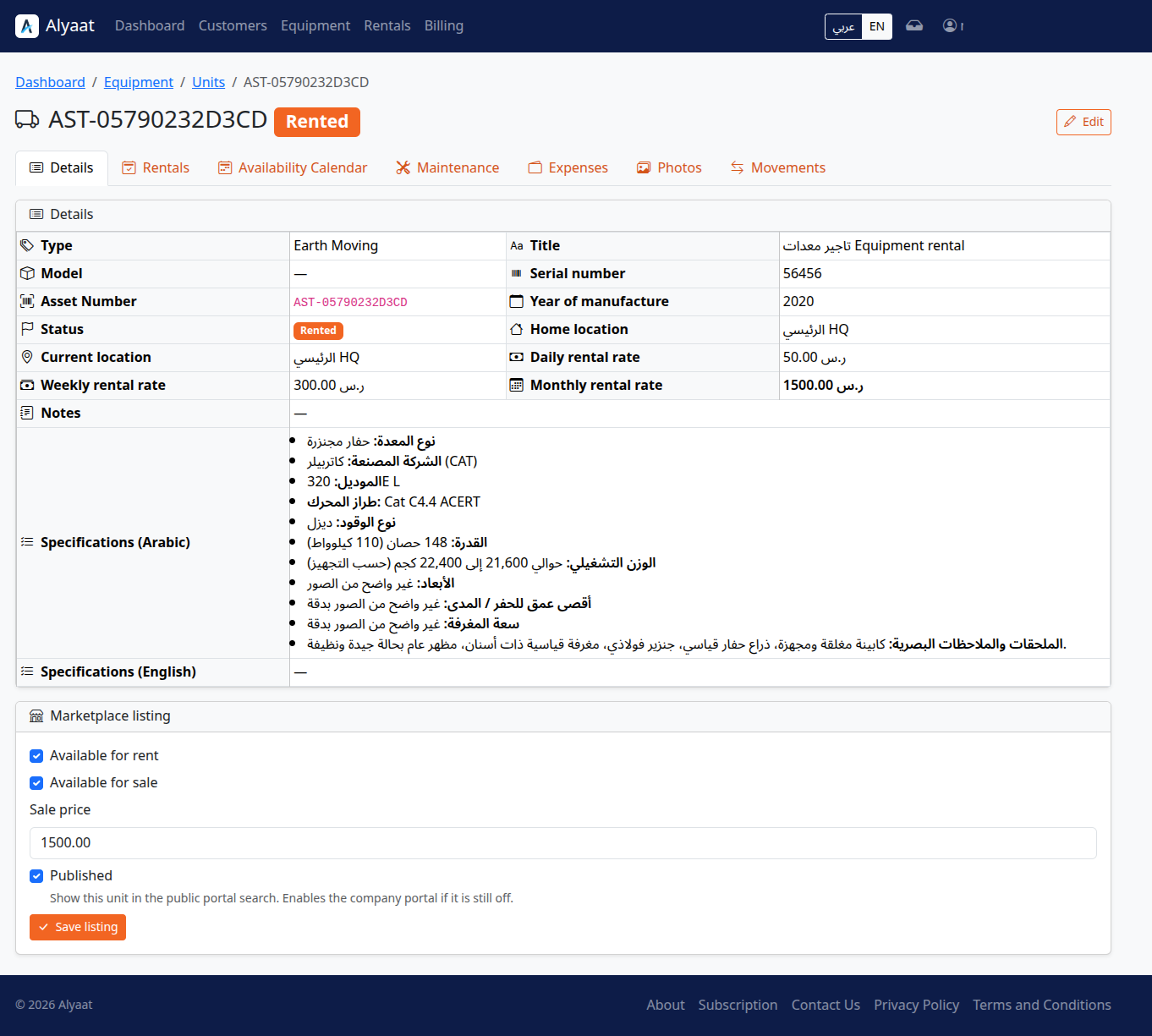
Equipment, assets & maintenance
For rental companies that need one workspace to track units, upkeep, costs, and published listings.
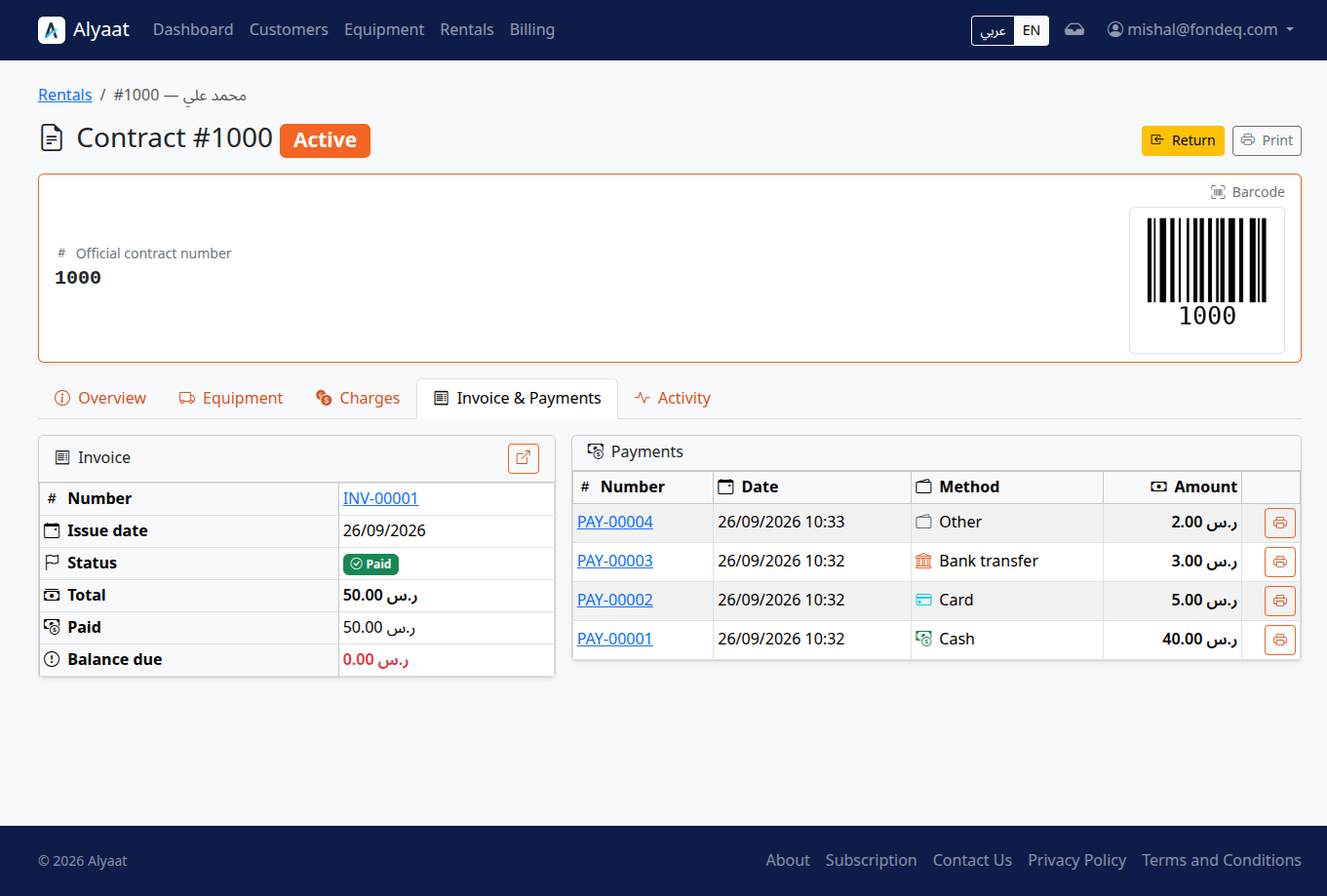
Rental contracts & availability
For rental companies that need contracts, availability checks, and hold or extend actions in one place.
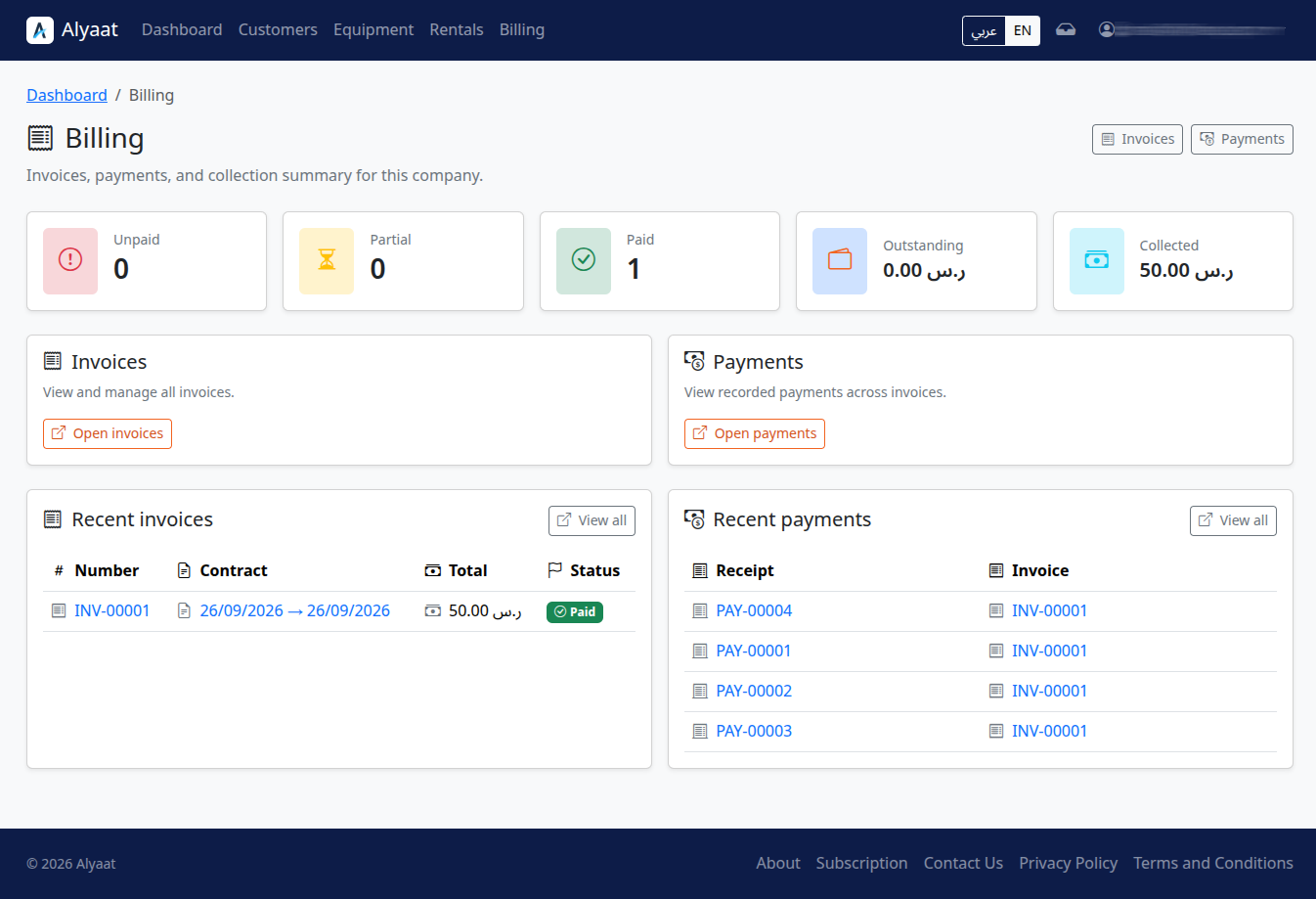
Invoicing & payments
For rental companies that issue invoices from contracts and record payments in the same workspace.
For customers
One portal across rental companies
A shared customer identity to search, request, and follow rentals without seeing internal company data.
Search & filters
Filter by equipment type, country, city, and rental period with live availability checks.
Rental requests
Send a rental request from a listing and track pending, accepted, or rejected status.
Chat & attachments
Message the rental company and share attachments from a linked conversation.
Customer dashboard
View your requests, rentals across companies, conversations, and profile in one place.
How it works
Two clear paths to get started
Company path
-
1
Create your company
Sign up, set workspace branding and currency, then invite your team with clear roles.
-
2
Add equipment & locations
Register units, branches, and customers so availability stays accurate.
-
3
Rent, bill & publish
Open contracts, issue invoices, publish listings, and handle portal requests from one dashboard.
Customer path
-
1
Search equipment
Browse the portal and filter by type, location, and rental dates.
-
2
Send a rental request
Open a listing, choose dates, and submit a request to the rental company.
-
3
Follow up in your dashboard
Track request status, chat with the company, and review your rentals.
FAQ
Common questions
Ready to get started?
Start your company workspace in minutes. Full access during the trial — no payment required to begin.
- No credit card required
- Ready to use immediately
- Includes all features